Do not scan codes from unsolicited packages, texts, or emails. Open the official app or type the known address instead.
FixLabs Knowledge
Find the right guide.
Skip the noise.
Technician-written answers for protecting devices, recognizing hardware failure, preserving data, and preparing equipment for mail-in repair.
Safety watch
Reviewed July 2026A familiar voice is no longer proof of identity. End the call and verify through a known number or family code word.
Never install remote-access software because of an unsolicited call, text, email, or pop-up.
Essential guidance
Start with what you need to do.
Focused pages make the important answer easier to find and keep unrelated advice out of the way.
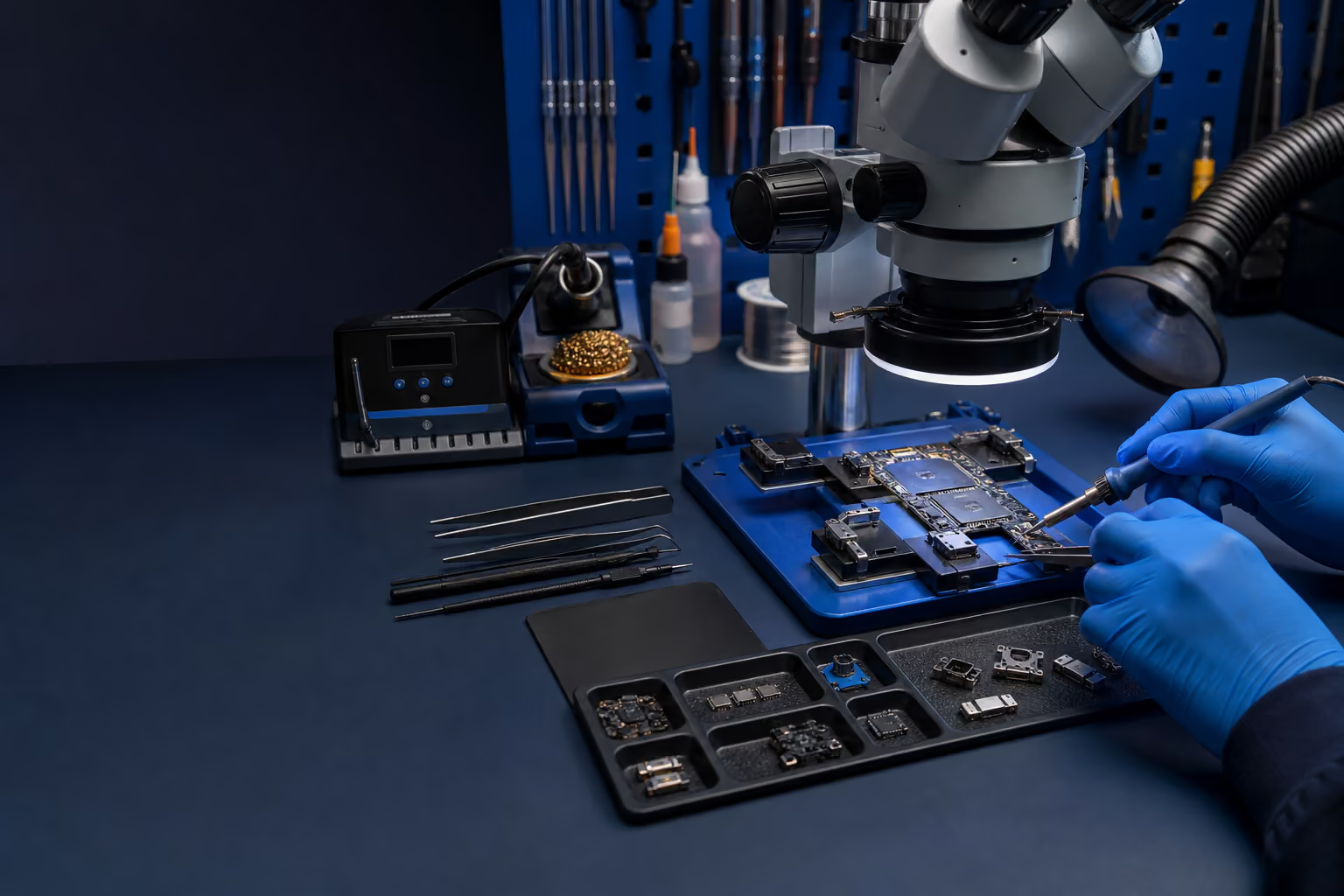
Care and prevention
Device care basics
Cleaning, heat, battery safety, backups, ports, accounts, warning signs, and packing in one practical guide.

Shipping and packing
How to pack a gaming PC
Protect the graphics card, glass, corners, ports, and internal hardware before mailing a desktop.
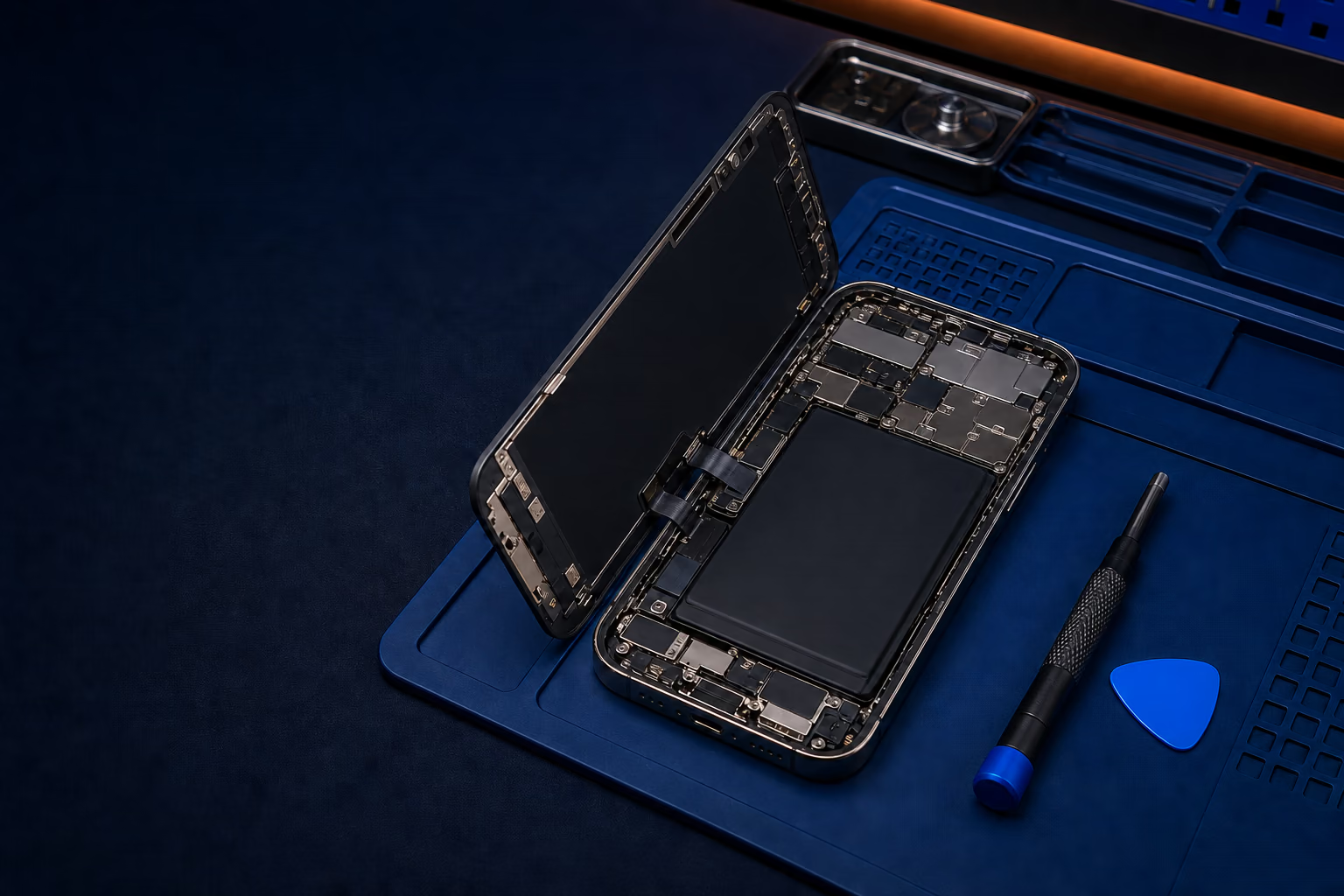
Privacy and repair
When does a shop need your passcode?
Understand when unlocked testing is reasonable and when access should not be automatic.
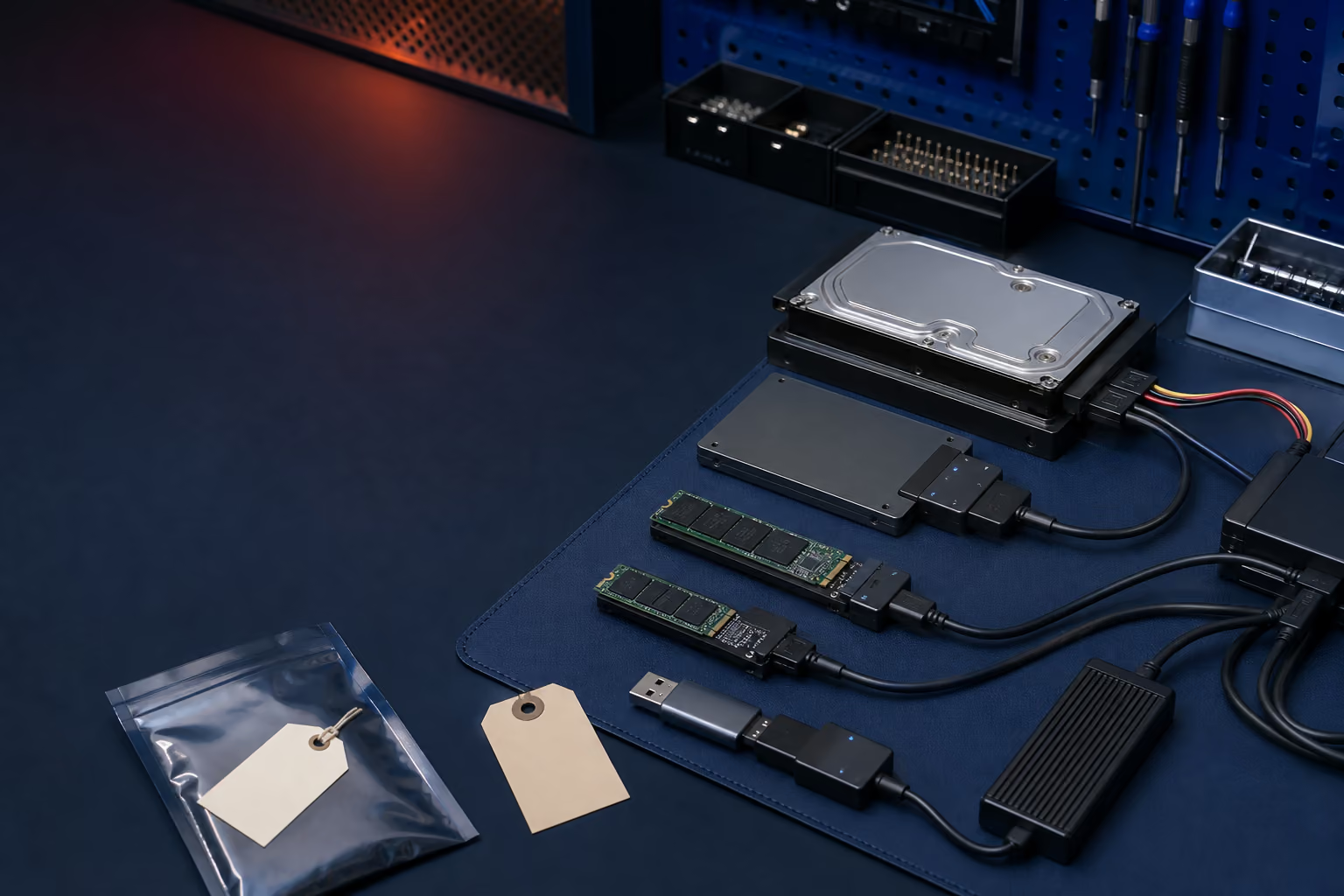
Data recovery
Can a dead SSD give the data back?
Learn how controllers, NAND, encryption, TRIM, and later writes affect recovery.
Console and handheld repair
Diagnose the symptom without causing more damage.
Use safe first checks, learn what common failures look like, and know when the device needs bench repair.
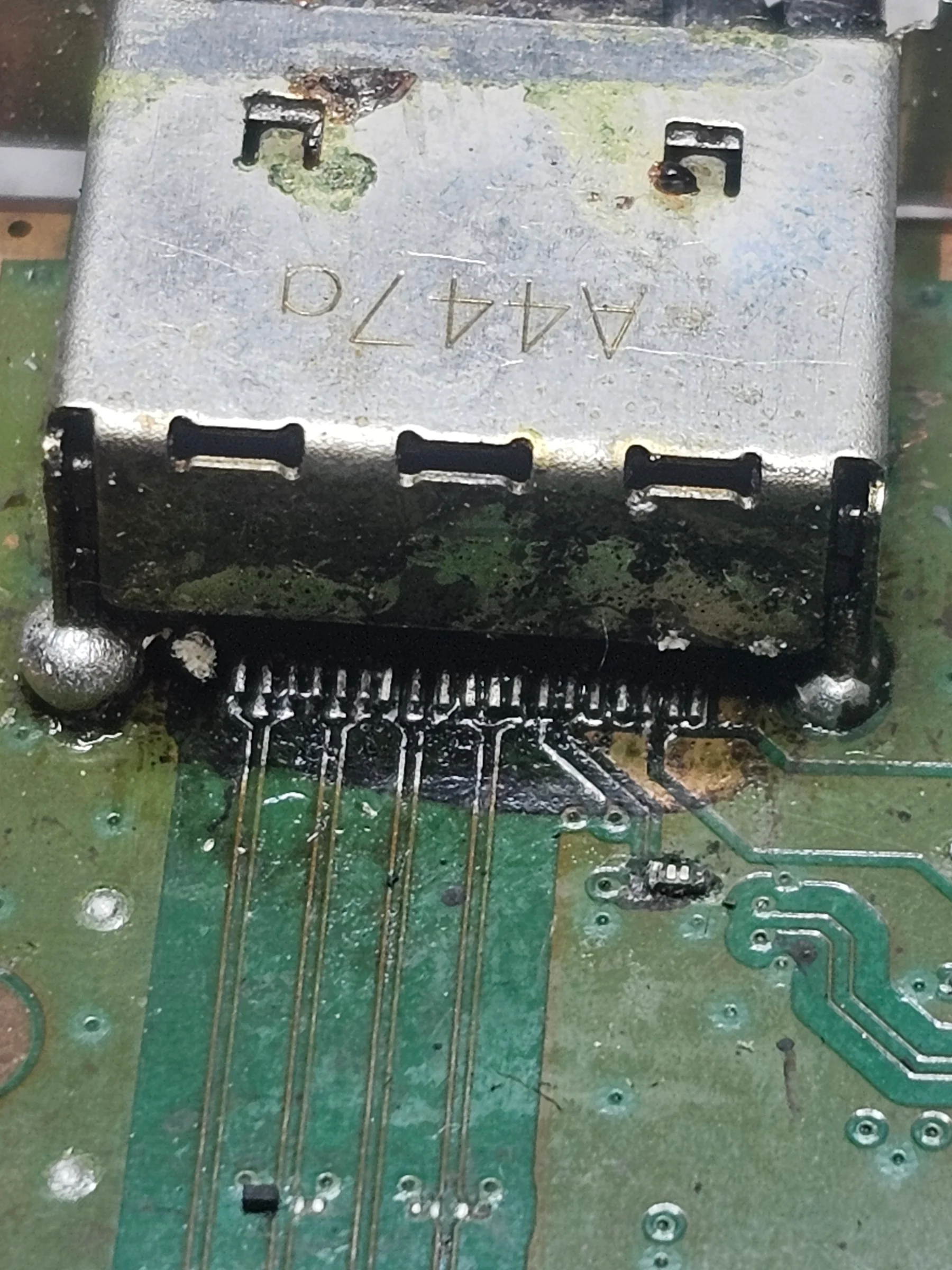
Mail-in HDMI repair
PlayStation and Xbox HDMI port repair
Pricing, real repair examples, previous-attempt damage, shipping, and what happens at the bench.

Console troubleshooting
Signs of a damaged HDMI port
Know what to test safely, when to stop, and why cable wiggling can make board damage worse.

Handheld gaming PCs
Steam Deck, ROG Ally, and Legion Go repair
Charging, display, controls, battery, cooling, storage, Windows, and SteamOS symptoms explained.
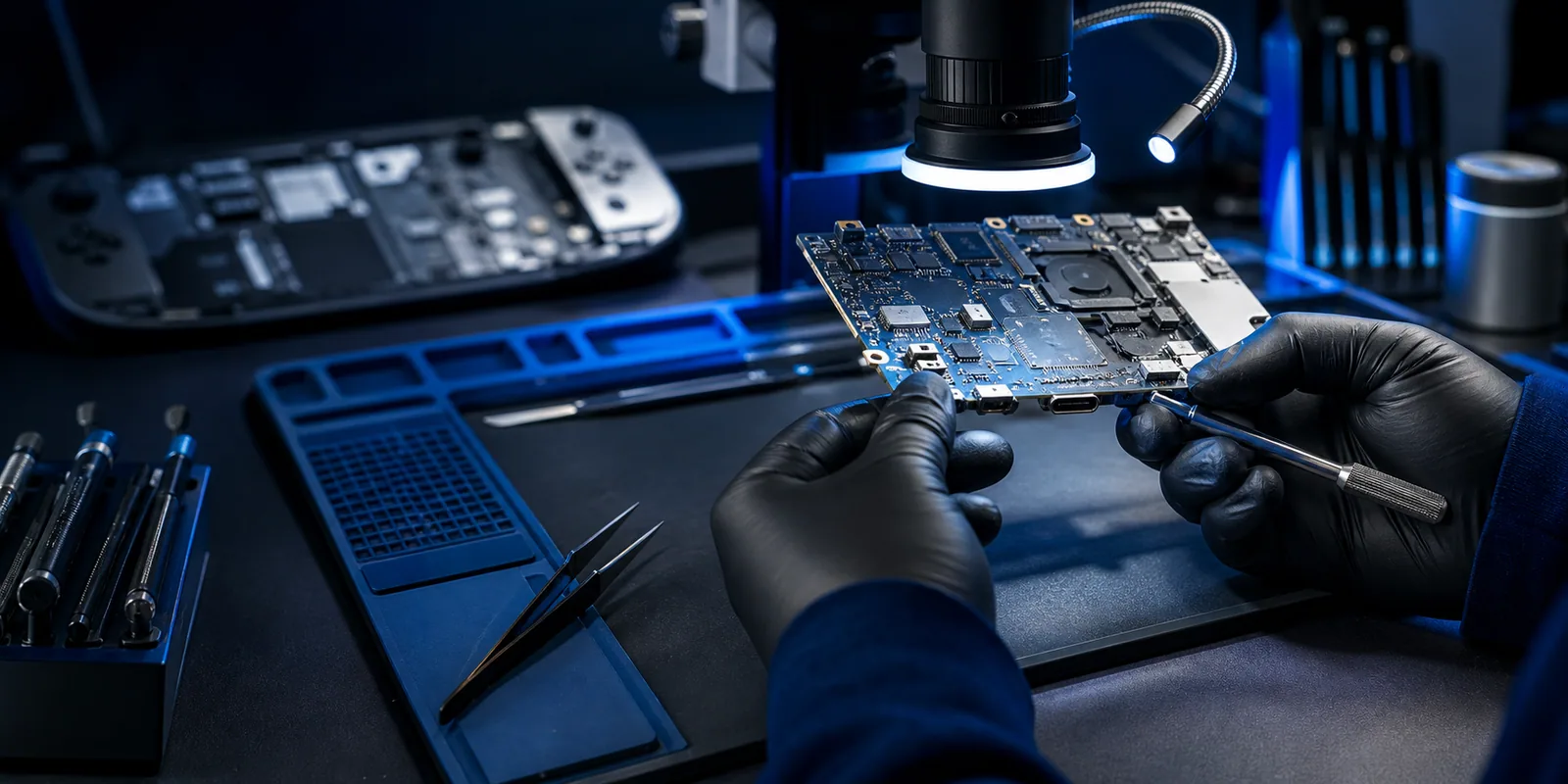
Repair News
Updates, known issues, and repair context
Official console, handheld, phone, tablet, computer, and data-recovery updates translated into practical checks.
Trusted safety resources
FixLabs Knowledge provides general educational information. For current alerts and official reporting, use these government resources.
Need a technician to look at it?
Tell FixLabs what happened, what you already tested, and whether the device has been repaired before.