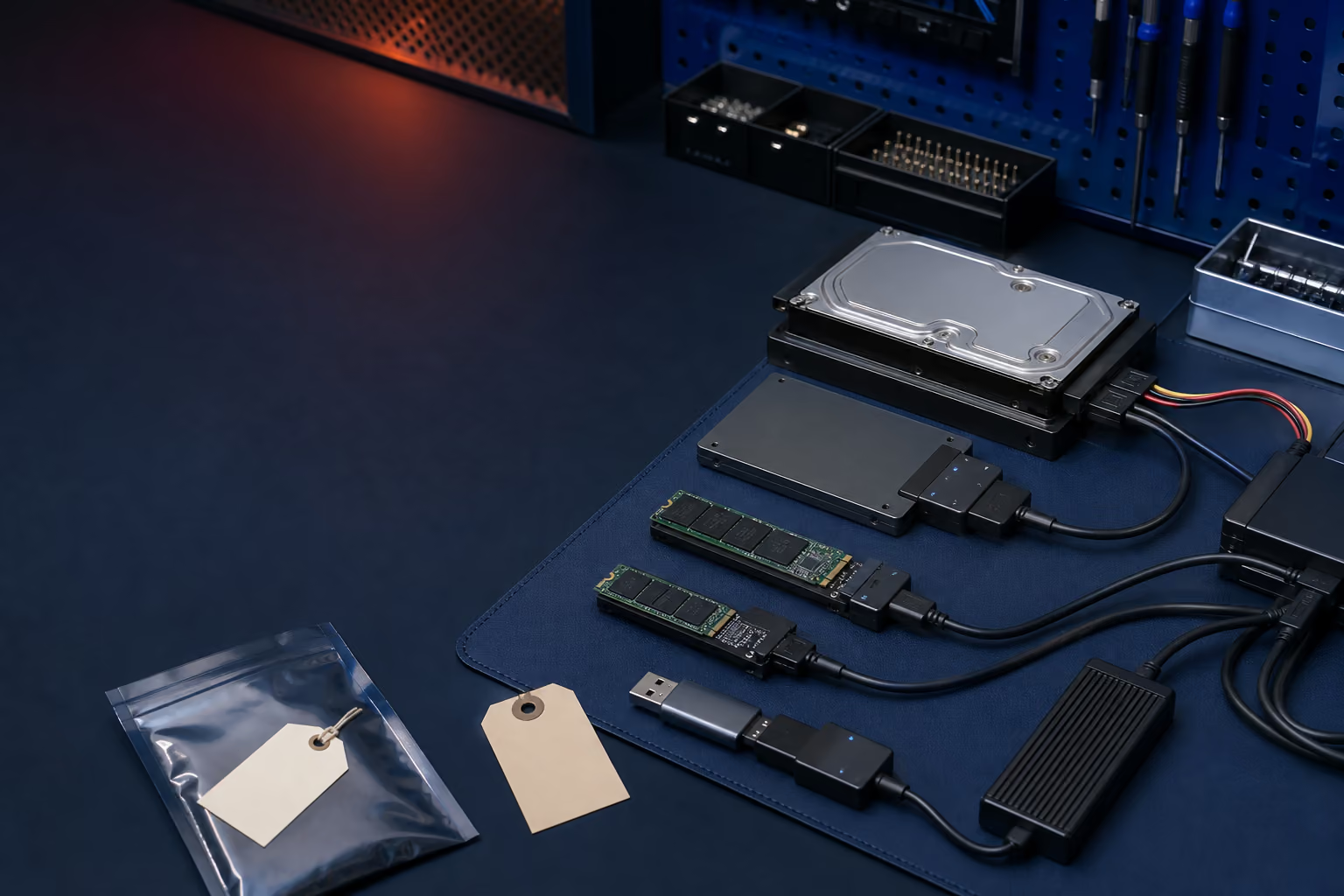
The honest answer is case by case
Solid-state drives do not store data like mechanical hard drives. A controller manages many NAND flash chips, error correction, wear leveling, spare blocks, encryption, and the translation between the computer's addresses and physical memory. When that management layer fails, raw memory may not immediately translate back into usable files.
A drive that appears dead can also be innocent. A failed laptop, damaged slot, bad enclosure, power problem, cable, BIOS setting, or adapter can make healthy storage disappear.
Common failure categories
- Connection or power: the SSD may work once the surrounding hardware is repaired.
- Logical damage: corrupted partitions, filesystems, accidental formatting, or deleted files may be recoverable depending on later writes and TRIM.
- Controller or firmware: the drive may report the wrong capacity, disappear, become unstable, or remain permanently busy.
- NAND degradation: unreadable memory, failed dies, and excessive error correction can limit the result.
- Physical board damage: liquid, broken connectors, shorted components, or power damage may require board-level work.
- Encryption: recovery may still require the original credentials, key material, controller, or device.
Do not initialize, format, reinstall, clone onto, benchmark, defragment, or repeatedly run repair utilities against the only copy. New writes and TRIM can permanently reduce recovery options.
Why deleted SSD data is different
Modern operating systems can send a TRIM command after files are deleted or storage is formatted. This tells the SSD that blocks no longer need to retain old data. Garbage collection may then erase or reorganize those blocks internally. That can make deleted-file recovery much less predictable than recovery from an older magnetic drive.
Encryption can be the deciding factor
BitLocker, FileVault, hardware encryption, phone encryption, and console security can protect data even when the memory chips are readable. Recovery may require the recovery key, device passcode, original controller, or functioning parts of the original system. A technician cannot simply bypass strong encryption because the hardware failed.
What to do immediately
- Power the affected device down.
- Write down what happened before the failure and every tool already tried.
- Locate BitLocker, FileVault, account, or device recovery keys.
- Identify the irreplaceable folders and file types.
- Do not disassemble or heat the SSD.
- Seek an evaluation before attempts pile up.
Set the right expectation
Recovery can produce everything, some files, damaged files, raw files without names, or nothing usable. A responsible evaluation describes the likely failure category, available next step, cost, and whether a specialist lab is the better choice. No one should promise a percentage before seeing the device.