HDD evaluation
Logical failure, unstable sectors, damaged partitions, intermittent detection, and imaging of readable devices.
Storage and device data recovery
When files disappear or a device stops reading, the next action matters. FixLabs starts with non-destructive evaluation and explains the recovery path, limits, and risk before proceeding.
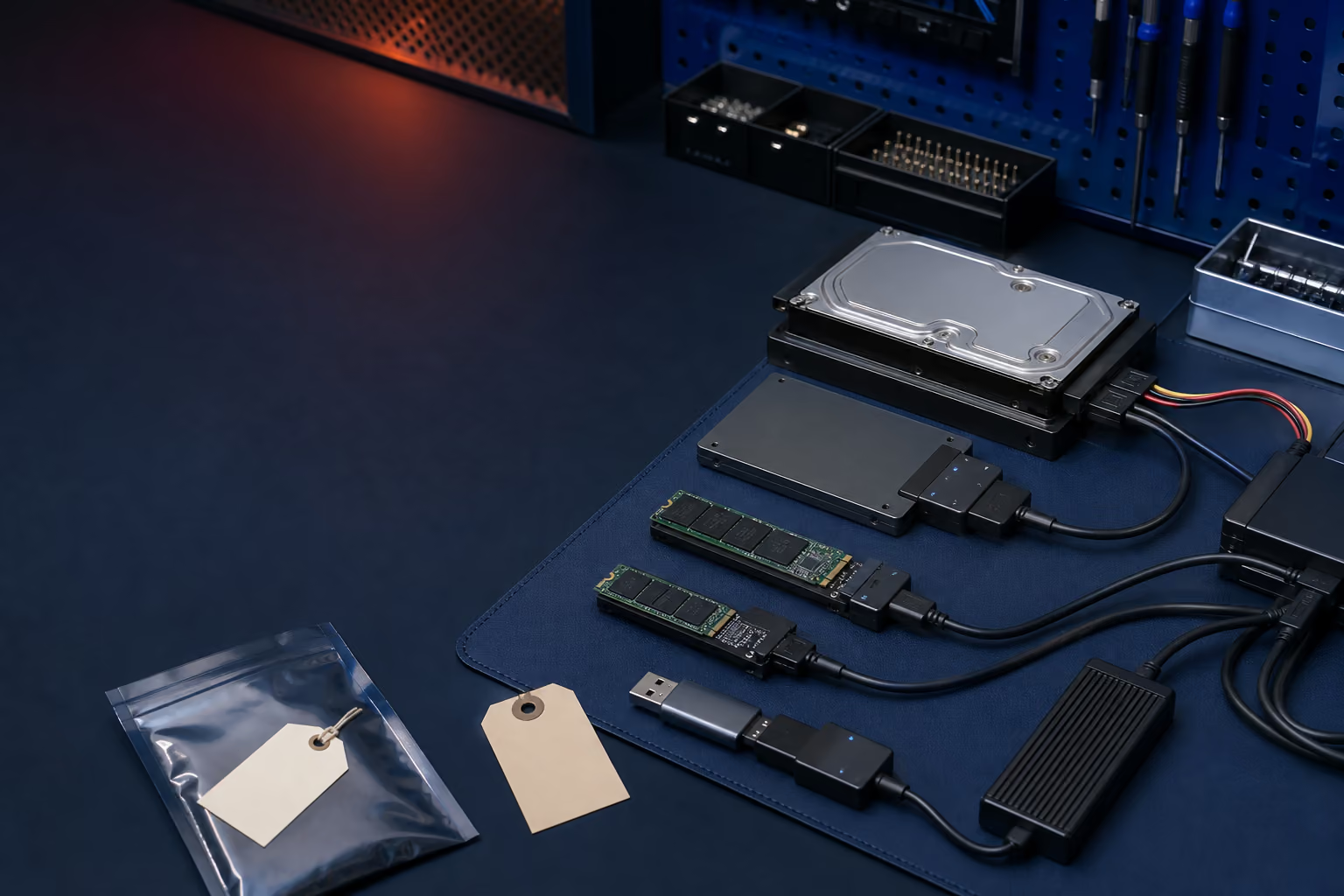
What we evaluate
Mechanical drives, SSDs, flash media, encrypted devices, damaged filesystems, and failing computers do not fail in the same way. The first task is identifying what kind of problem exists.
Logical failure, unstable sectors, damaged partitions, intermittent detection, and imaging of readable devices.
Controller, firmware, NAND, encryption, filesystem, and device-detection problems assessed case by case.
Damaged connectors, failed controllers, unreadable filesystems, accidental formatting, and deleted data.
Data-first extraction when the computer will not boot, power on, or reliably access its storage.
Recovery may depend on board repair, encryption credentials, functional display or touch, and device security.
Severe mechanical drive damage may require a dedicated clean-room recovery lab rather than ordinary bench work.
Do this first
If the data matters, stop using the affected device. Do not initialize an unknown drive, reinstall the operating system, run aggressive repair tools, format the storage, or copy new files onto it.
Storage can fail beyond practical recovery, and recovered files may be incomplete or corrupted. FixLabs does not promise a specific percentage, folder structure, or file result before evaluation. We explain when a specialist referral offers the better path.
Stop using the device and tell us what failed, what the data is worth, and what has already been tried. Repair shops and IT teams can apply for a White Label B2B account. Review computer and data recovery updates or the dead encrypted phone report before repeated power or reset attempts.