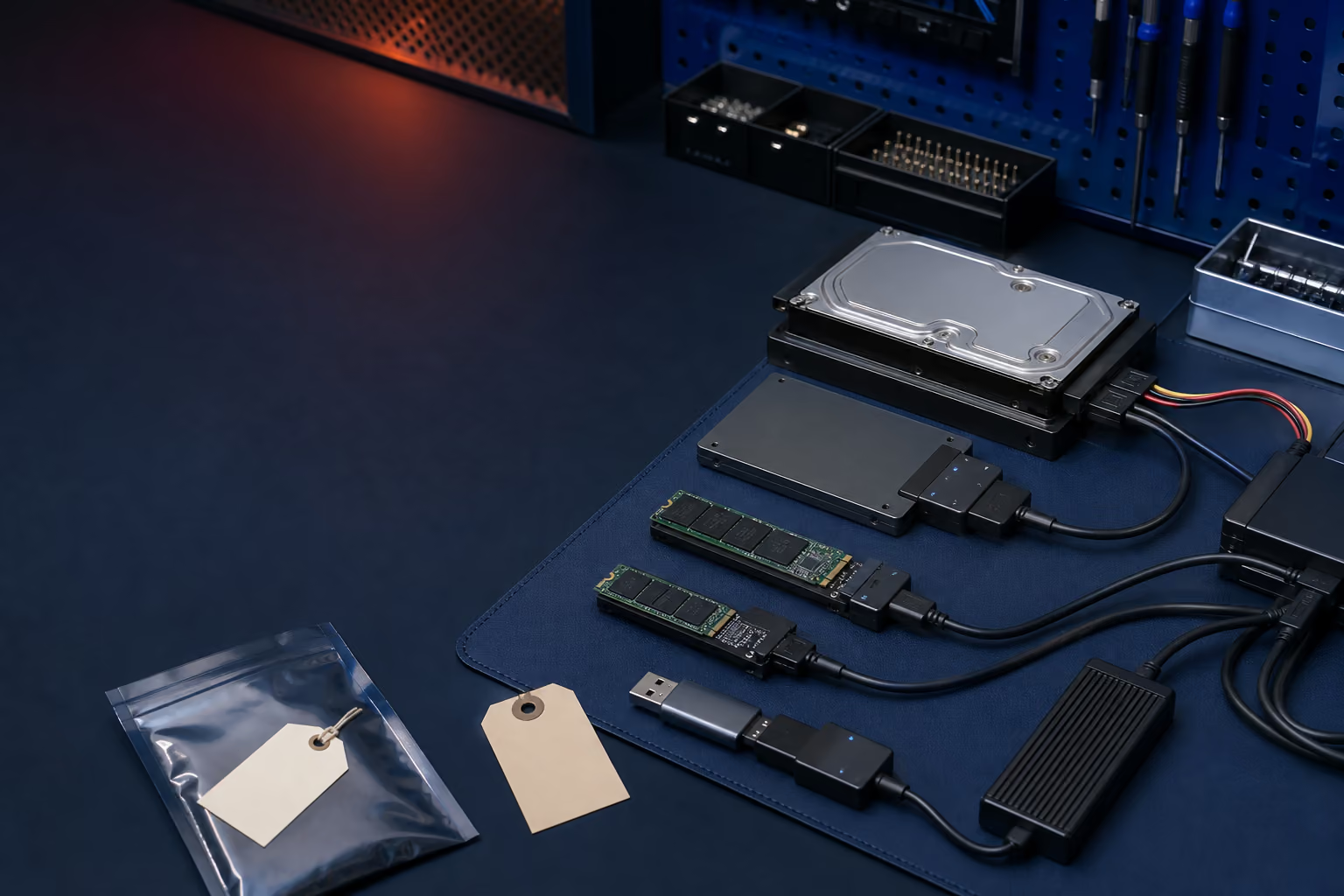
Recovery tools, encryption, firmware, and service preparation can determine whether a repair protects the data or puts it at risk. FixLabs explains the safest next step before parts replacement or destructive recovery.
Official recovery and service guidance, translated into safe next steps for your data.
Windows recovery
Windows Recovery Environment updates may require 250 MB of free recovery-partition space.
Microsoft's June WinRE update includes recovery improvements and preparation for Secure Boot certificate changes.
What this means for repair
A recovery update failure can be a partition-space or servicing problem rather than proof of a dead SSD. Back up readable data before resizing partitions, resetting Windows, or reinstalling the operating system.
Apple's service preparation guidance starts with a current backup.
Apple warns that service can require storage erasure or replacement and describes Repair Assistant steps for repaired Apple silicon Macs.
What this means for repair
A computer that still reads its storage should be backed up before service. If the Mac is unstable or will not start, repeated repair attempts can reduce the chance of recovering the original data.
BitLocker recovery depends on access to the correct recovery key.
Microsoft documents the recovery-key process and the limited role of Repair-bde for damaged encrypted volumes.
What this means for repair
Encryption credentials are part of the repair plan. Do not format an encrypted drive because Windows requests a key, and do not assume moving the storage device to another computer will bypass encryption.