Before touching the box
Shut the computer down normally, switch the power supply off, unplug it, and let it cool. Photograph every side of the case and the internal layout. Those photos document condition and make it easier to reconnect anything intentionally removed.
Back up important data. Shipping damage is uncommon when a system is packed correctly, but a package can still be dropped, crushed, delayed, exposed to moisture, or lost.
Glass panels hate concentrated pressure and hard edges. Remove the panel when practical, wrap it separately with a clean soft layer and substantial cushioning, and never place tools, power cables, or loose accessories against it.
Control heavy internal components
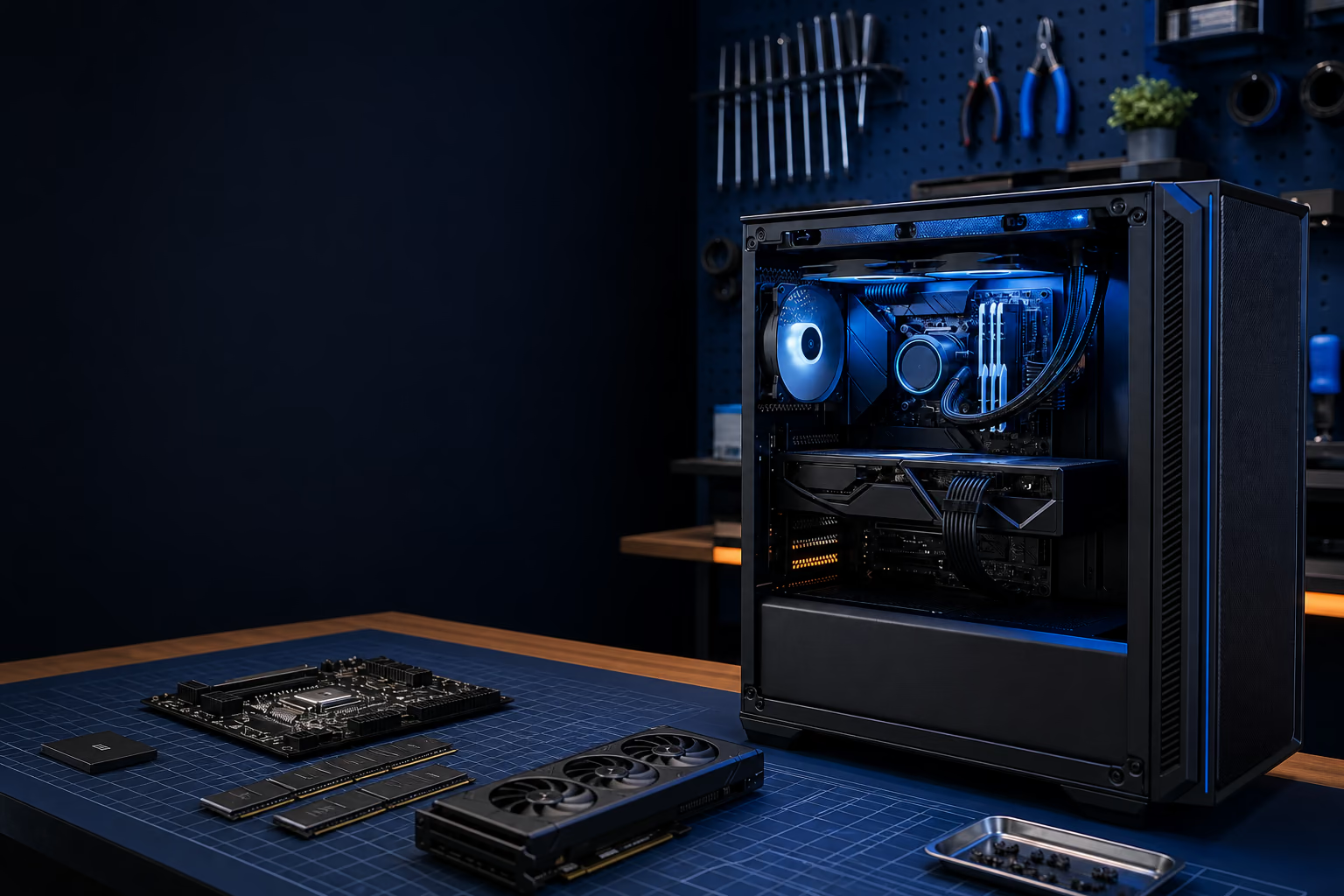
Large graphics cards and tower air coolers create leverage when a package is dropped. The safest option is often to remove an especially heavy graphics card, place it in an anti-static bag, cushion it separately, and ship it in the same outer package without allowing it to contact the case.
- Release the PCIe retention clip before pulling a graphics card.
- Remove the case mounting screws and power connectors first.
- Do not touch exposed connector contacts.
- Never fill the inside of a PC with loose packing peanuts.
- Internal expanding foam packs must be activated and placed correctly or they can damage fans, cables, and connectors.
If you are uncomfortable removing hardware, ask before shipping. A compact low-profile graphics card may be safe to leave installed with proper internal support, while a very large card deserves a different plan.
Protect the case itself
The original case box and molded foam are usually the best starting point when they remain in good condition. Otherwise use a strong box with dense cushioning on all six sides. Corners need particular protection because a corner impact can bend a chassis even when the outer box survives.
- Place the PC in a clean plastic bag to limit dust and incidental moisture.
- Use fitted foam or firm cushioning that will not collapse under the computer's weight.
- Keep at least several inches of protection between the case and outer box.
- Fill every void so the computer cannot shift when the sealed box is gently moved.
- For heavy systems, double-box with cushioning between the inner and outer boxes.
Send only what helps diagnose the fault
Do not include monitors, keyboards, mice, Wi-Fi antennas, decorative pieces, or unrelated cables unless FixLabs asks for them. A proprietary power adapter, suspected cable, removable drive, or accessory involved in the failure may be useful, but it should be individually wrapped and kept away from the case.
Label without advertising the contents
Place the repair number and contact information inside the box. Keep the carrier receipt and take photos of the packed layers before sealing. Avoid writing "gaming PC" or listing expensive components on the outside.
After sealing the inner package, move it gently. Nothing should slide, knock, or rattle. If it moves, reopen the box and correct the packing before shipment.